Payroll Software With Built-In Time Tracking vs Separate Tools
Integrated payroll cuts errors and sync failures that separate tools can't prevent.
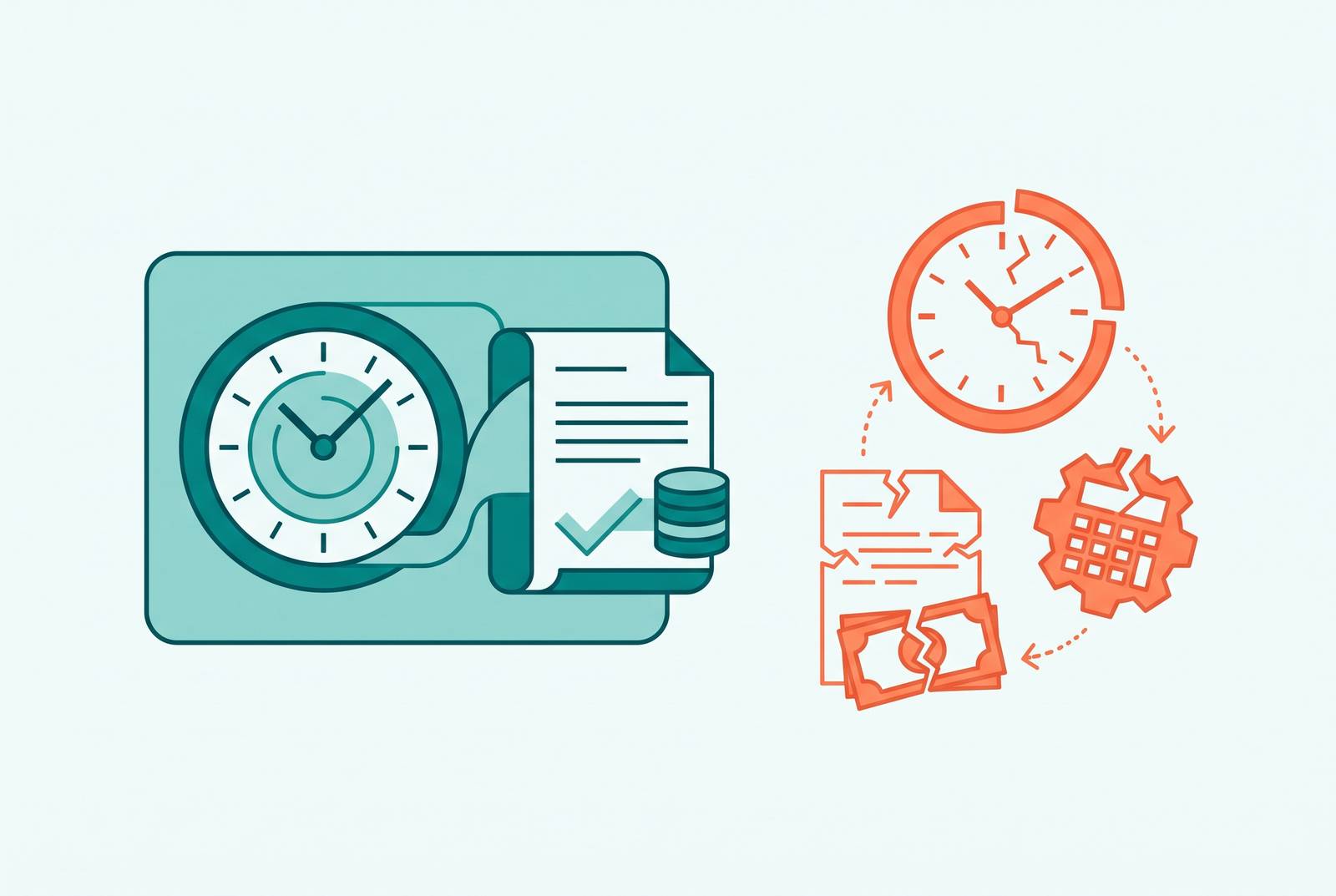
Payroll breaks in the handoffs, not the features. The real question in choosing between a payroll platform with built-in time tracking and a stack of separate tools stitched together by integrations is simple: where does the data actually fail on its way from an employee's clock-out to a finished paycheck? This piece traces that path step by step, and it lands on a clear answer: most businesses overestimate how much flexibility a connected stack buys them, and underestimate how much a single missed sync costs once headcount or complexity climbs.
What manual and disconnected handoffs cost, before any software enters the picture
Plenty of businesses still run payroll the old way. Pull the hours off a spreadsheet or a punch clock, reformat them, key them into a payroll system by hand. That process sets the baseline every piece of software gets measured against, and the American Payroll Association puts the manual error rate at 1% to 8%. On $30,000 a month in labor spend, even the low end of that range, 2%, works out to $600 a month in overpayments or shortfalls, money that either walks out the door or has to get clawed back from someone's next check.
Managers doing reconciliation and re-entry by hand often lose 5 to 10 hours per pay period just moving numbers from one place to another. That gap in cost accounting occurs because managers doing reconciliation and re-entry by hand often lose 5 to 10 hours per pay period just moving numbers from one place to another, and no line item captures it.
The damage doesn't stop at the ledger. A 2025 HiBob survey found that 64% of employees had felt real financial stress tied to a paycheck error or delay, and 49% said they'd start job hunting after two payroll mistakes. Two. That's a low bar, and it turns payroll accuracy into a retention problem whether or not anyone in HR frames it that way.
The retention math gets ugly fast. SHRM data cited by Paycom puts replacement cost at $5,475 for a non-executive employee and $35,879 for an executive. Losing even a handful of people a year to payroll frustration alone can run a business $150,000 to $300,000 in cost that never had to happen.
There's a legal layer sitting under all of this. Ernst & Young found that 1 in 6 businesses had faced a legal or regulatory issue tied to payroll errors within a single year, with exposure reaching up to $250,000 annually. Any system, integrated or connected, earns its cost by pushing these numbers down. Which architecture does that more reliably, and for what kind of business, is what matters here.
How a truly integrated system handles the data path from clock-out to paycheck
"Integrated" and "connected" get used like synonyms, and they shouldn't be. A genuinely integrated system runs on one database, one employee record that time tracking, payroll, HR, and benefits all read from and write to at the same time. Nothing gets exported and reimported. Nothing waits on a sync job.
Pull up an employee's pay rate, scheduled hours, PTO balance, tax withholding, and benefits elections to test which kind of system a business is actually running. If all five show up on one screen without switching apps, that's a single database. If getting the full picture means three open tabs, the system is connected, no matter what the marketing page claims.
That distinction matters most at the exact moment of a handoff. When HR bumps someone's pay rate, an integrated system shows payroll the new number instantly, because it's the same field in the same table. No export job, no overnight batch, no waiting for midnight. For hourly, shift-based, tipped, or multi-location teams, the road from clock-in to paycheck runs through pay codes, accrual rules, scheduling approvals, and overtime math, and each of those steps carries less risk pulling from one workforce record than from three.
The payoff shows up in the research: automated, integrated systems can cut payroll mistakes by as much as 80% and shrink processing time by up to half. Those figures come from broader industry research on automated payroll rather than one vendor's internal numbers, but the direction holds.
There's a compliance dividend too, one that's easy to ignore until an audit lands. Auditors don't want a good story. They want records that match, and a single source of truth is what produces that match.
Where dependencies become liabilities in a separate-tool stack handling the same path
A smaller operation, one location, one type of worker, modest reporting needs, can run fine on a connected stack, often at a lower upfront cost and with more room to swap pieces in and out. That's a real advantage, and it's the whole case for going this route. It stops being a good case the moment the business outgrows it.
Toggl Track shows what "connected" looks like on the ground. It integrates with more than 100 tools, including Xero, QuickBooks, and FreshBooks, some through a direct API sync and some through CSV export. That gap, direct sync versus manual file export, matters a lot more once a business runs biweekly payroll for 15 people than it does for a two-person shop tracking hours out of curiosity.
Every sync is a dependency, and dependencies fail quietly. A renamed field, an expired API token, a rate limit, a vendor pushing an update that breaks a connection: any one of these can stop approved leave from reaching payroll with no error message anywhere. Nobody finds out until a paycheck comes out wrong and someone starts asking why.
That's not a rare glitch. Research on business software consistently finds that app integrations introduce failure points that delay operations and slow teams down. Someone has to own that risk, and it's rarely a small job: watching the connections, updating field mappings when a vendor ships new features, chasing down failures, reconciling data across vendors who release updates on their own schedule with zero coordination between them.
Gartner has estimated that organizations lose around a quarter of their SaaS budget to tools that overlap or sit mostly unused, and that number climbs once the hidden cost of integration upkeep gets counted against whatever was "saved" by skipping a bigger platform. Vendor lock-in isn't unique to single-database systems either: a multi-vendor stack carries its own version of the same problem, since any one vendor changing pricing or breaking its API can knock the whole pipeline sideways. The failure modes here are quieter than what happens in an integrated system, not less real, and that gap in visibility is what the decision should turn on.
The platforms: what each one does to the data path
Grouped by architecture, not by rank, to keep the comparison honest.
Single-database, deeply integrated platforms
Paycom runs on a single-database HCM model and gets cited often as a strong fit for employee self-service payroll entry. Its Beti feature flags missing punches or deduction changes to employees during the pay period itself, so problems get caught before payroll runs rather than after. Payroll self-starts each cycle, pulling live timecard, PTO, and benefits data automatically, and geofencing restricts clock-ins to approved locations. Pricing is quote-based, and implementation tends to run long.
Paylocity combines payroll, time tracking, expense management, and compliance in one system. Its Touchless Expense Reports feature uses AI to read and categorize a receipt from a photo, and it's generally positioned toward mid-sized businesses, with pricing available on request.
Rippling ties together HR, payroll, IT, and finance, and suits businesses with a global footprint. Pricing is custom.
Gusto is built for approachable small-business payroll, with a Simple plan running $49 a month plus $6 per person. RUN Powered by ADP pairs guided setup with automated error detection and tax filing, offers time and attendance as an add-on, and connects to more than 800 apps through the ADP Marketplace. Pricing is custom, and ADP's own 2026 customer survey found 96% of respondents called running payroll on RUN easy, a number worth reading as vendor-reported rather than independent.
Square Payroll charges a flat $35 a month plus $6 per employee, and its real edge is how tightly it sits inside the Square point-of-sale ecosystem, a natural fit for retail and food service. Justworks starts at $8 per employee monthly plus a $50 base fee and gets recommended often for geofencing. Homebase offers a free plan plus paid tiers from $24.95 a month and connects to Gusto, QuickBooks, ADP, Paychex, and Square Payroll, though the free tier limits some overtime and compliance features worth checking against actual need.
Keka HR targets integrated project time tracking, with pricing on request. Deel Payroll starts at $49 per contractor monthly and is built for global payroll and time tracking together. Buddy Punch, priced from $4.99 per user monthly plus a $19 base fee billed annually, focuses on customizable punch rules and offers a 14-day trial. TimeTrex centers on biometric time clock integration.
OnPay tends to work well for basic small-business payroll tasks. SurePayroll suits businesses new to payroll software or micro-businesses with very small headcounts. Paychex Flex runs on an à la carte model, with time tracking as an add-on and phone or email support requiring a paid tier. QuickBooks Workforce fits businesses already committed to the QuickBooks ecosystem.
Standalone time tracking tools with payroll integration
This is the connected-stack model in practice. ShiftFlow, at $5.99 per seat monthly or $60 a year, connects directly to Gusto, QuickBooks Payroll, and ADP, with an approval step before data syncs over. It's built for shift-based industries handling multiple pay rates.
Connecteam starts at $29 a month for the first 30 users plus $0.80 per additional user, offers mobile and GPS tracking, and connects to Gusto, QuickBooks Online, ADP, Paychex, and Xero, though the breadth of its feature set can stretch out initial setup. Hubstaff sends payments through Payoneer, Wise, PayPal, and Deel based on approved time data, and also lets users query their own time data conversationally through ChatGPT or Claude. It's a good match for field-based teams.
Toggl Track, mentioned above, offers over 100 integrations, a free plan for small teams, and a Premium tier adding timesheet approvals, forecasting, and single sign-on. Clockify stands out for surveillance-style time tracking features. Harvest keeps its interface simple, and gets praised for exactly that. EverHour focuses on tying time tracking into HR software. Timely focuses on reducing manual time-entry effort. QuickBooks Time is built around saving time specifically on payroll-adjacent tasks.
Deputy handles scheduling and payroll integration together and manages complex award interpretation rules, useful for multi-location businesses with layered pay structures. Pricing starts at $5 per user monthly on the annual Lite plan, or $5.50 billed monthly.
The middle ground: a unified API layer
A newer approach, the kind a provider like Bindbee offers, lets a business integrate once and connect to more than 65 HRIS, payroll, and applicant tracking platforms, each supporting somewhere around 16 to 17 HR data objects: employee roster, compensation, PTO, org structure. It's still a connected-stack model, not a single database, so the handoff itself hasn't gone away. The unified API cuts down the maintenance burden of running a dozen point-to-point integrations, but it just moves the coordination problem into one place instead of many.
Pricing norms, for context
Most online payroll platforms in 2026 charge a monthly base fee plus a per-employee fee. Base fees generally run $20 to $100 or more a month, per-employee fees fall between $5 and $15 monthly for businesses under 50 employees, and base platform fees more broadly range from $50 to $130-plus a month.
The decision framework (matching architecture to actual error exposure and workflow complexity)
The right call comes down to where a specific business's error exposure actually sits, and which architecture puts more risk right on that point. For most businesses with any real workforce complexity, that points toward a single-database platform, not a connected stack, and the case for the connected stack gets weaker as headcount grows.
A single-database integrated platform makes sense when the workforce is hourly, shift-based, tipped, or spread across multiple locations, since overtime math and pay rate differentials get triggered constantly in that setup. It makes sense wherever headcount or turnover runs high enough that a single payroll mistake compounds fast into lost trust and lost people. HiBob's 2025 survey found 88% of employees say how a company handles payroll reflects how much it respects them, a blunt way of saying payroll accuracy reads as a values statement whether anyone intends it that way or not.
Compliance-heavy environments belong in the same category. California's daily overtime rules, or any industry-specific wage requirement, turn a missed calculation from a bookkeeping error into a wage-and-hour violation. So does the absence of anyone internally who can watch and maintain integrations day to day, and so does a growth trajectory that keeps adding workforce complexity, since a connected stack's maintenance burden scales right along with headcount.
A connected best-of-breed stack fits where the team stays small, single-location, doing one kind of work with modest reporting needs. It also fits where a business has already committed to a specialist tool, a project-based time tracker with client billing features a payroll-native module can't replicate, and where the existing integrations run on direct API connections that have proven stable rather than brittle CSV exports patched together after the fact.
Each model carries weaknesses the other doesn't. But the honest version of this decision starts by tracing the clock-out-to-paycheck path through a specific business's actual workforce, and naming exactly where the weak link in that chain sits, rather than treating the two architectures as equally safe bets dressed up in different price tags.